Offer

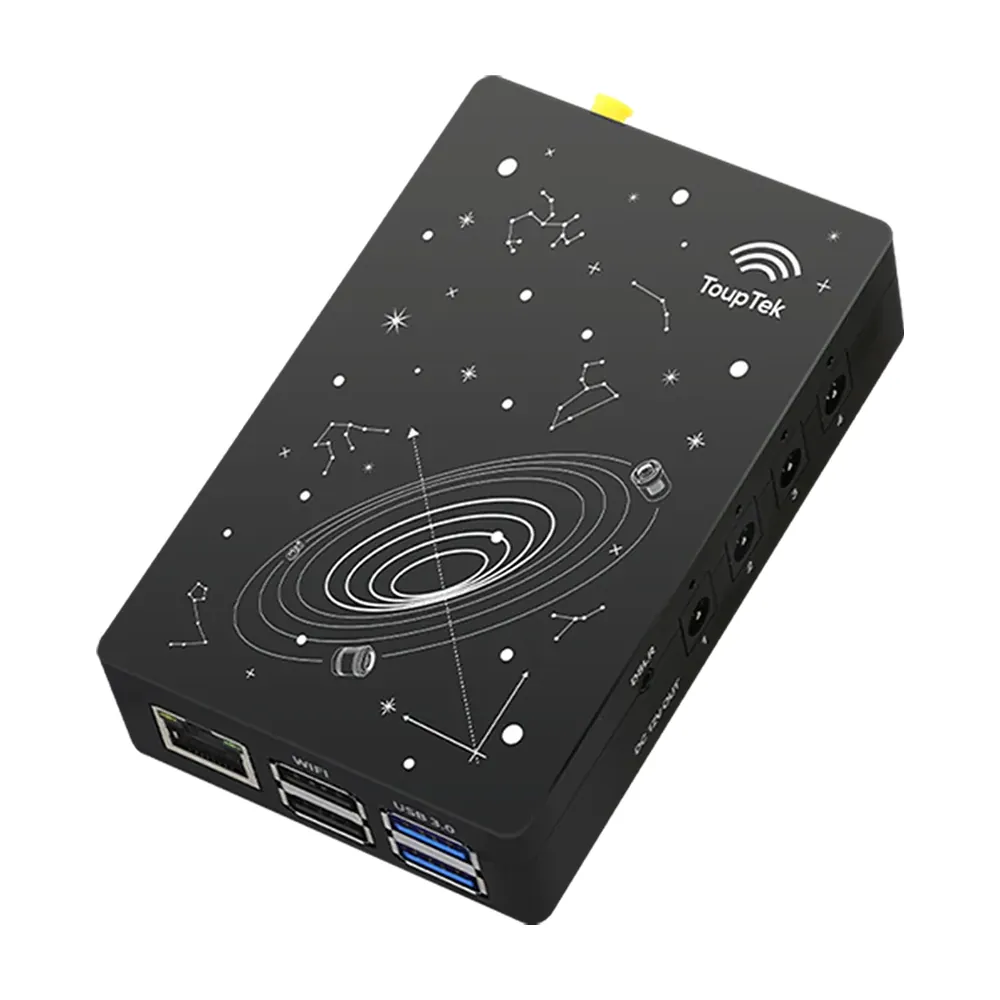
ToupTek StellaVita Wireless Astrophotography Controller
£295.00
Add a GPCMOS01200KPF guide camera for £50 while the sale is on
Free tracked UK delivery
In stock · dispatched next working day
- Pay by card or PayPal
- UK company in Shrewsbury
- Call 01743 224 180 or WhatsApp

- Delivery
- Free tracked UK delivery. Outside the UK, the cost is shown in your basket. Delivery
- Warranty
- Manufacturer warranty, handled by us in the UK.
- Returns
- 14 days to return unused items. Returns policy
Overview
The ToupTek StellaVita is a small controller that runs a whole imaging rig from a phone or tablet, with no laptop at the telescope. It was sold as the AstroStation until ToupTek renamed it. Everything runs through the free StellaVita App 2.0 for Android, iPhone and iPad.
Every StellaVita from us comes with our cable management kit, free.
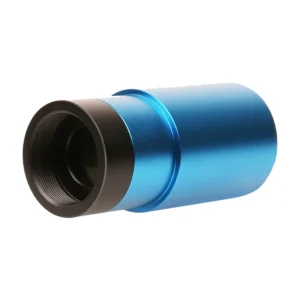
It controls one mount, a main camera, a guide camera, a focuser and a filter wheel. Plug them in, connect your phone to the StellaVita’s Wi-Fi, and the app finds them for you.
StellaVita App 2.0
ToupTek released App 2.0 in early 2026, first for Android and then for iOS. It’s a full redesign of the original app, and it’s free for every StellaVita owner. A night with it runs in this order:
- Connect. The app detects your cameras, mount, focuser and filter wheel, and remembers them. Next time, one tap connects the lot. Each device shows green when it’s working and red if it has a problem.
- Polar align. A guided three-step routine moves the mount for you. On-screen arrows then show which way to turn each knob, and by how much.
- Choose a target. Pick it from the star map by tapping, searching or using your phone’s compass. Altitude charts show when it’s highest, with twilight and the Moon’s height marked, so you can see your imaging window. "Tonight’s Best" suggests targets for the night.
- Frame and go to. Rotate and move the camera’s field of view on the star map, then one tap slews the mount there. Plate solving checks where the telescope is pointing and centres the target.
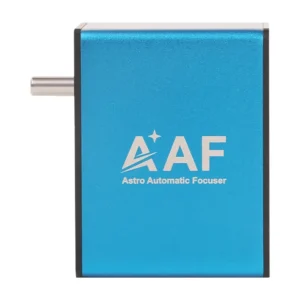
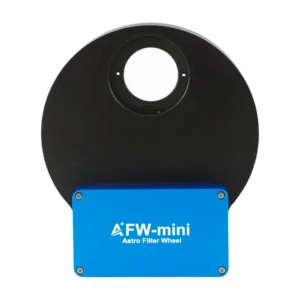
- Focus. Autofocus works with the ToupTek AAF and other supported focusers, with coarse and fine steps for focusing by hand. Filter wheels can keep a separate focus exposure for each filter.
- Guide. Multi-star guiding calibrates itself once it finds stars. Graphs show the error in each axis, and dithering between frames is built in.
- Capture. A capture plan holds your targets and the frames to take of each. It shows how long the plan will take, follows the meridian flip and can be paused and resumed. For the Moon and planets, the app records MP4 and SER video.
The app also switches each 12 V output on or off and saves images to the internal memory or an SD card. It can join the StellaVita to your home Wi-Fi, so you can control it from indoors.
Connections and power
- Two USB 3.0 and two USB 2.0 ports, plus a USB-C port
- Four 12 V DC outputs, up to 3 A each, switched from the app
- Gigabit Ethernet and dual-band 2.4 GHz and 5 GHz Wi-Fi with an external aerial, about 10 m range in the open
- SD card slot for storage and firmware updates
It needs a 12 V supply rated at 8 A, which isn’t included. The aluminium case measures 102 × 68 × 23 mm and has a dovetail foot for mounting on the rig.
What works with it
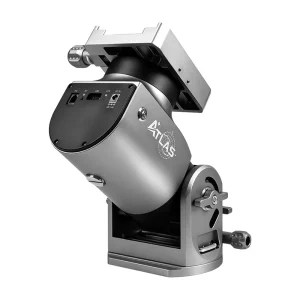
Drivers are built in for every ToupTek and Player One device and for ZWO cameras. That includes ToupTek’s ATLAS SH20 strain wave mount. INDI drivers cover ZWO focusers, filter wheels and mounts, some QHYCCD wheels and focusers, Atik cameras, and Sky-Watcher, iOptron, Celestron and OnStep-based mounts. App 2.0 added more than 60 Canon, Nikon and Sony DSLR and mirrorless cameras.
StellaVita runs its own software through the app. It doesn’t use ASCOM drivers or Windows programs. If you’re not sure your kit is supported, ask us before you buy.
Questions
How do I upgrade from StellaVita App 1.0 to App 2.0?
First update the controller’s Core firmware from the 1.0 app. Join another Wi-Fi network, go to Misc Settings and tap Check for Updates. Then reconnect to the StellaVita’s Wi-Fi to install it. Then uninstall the 1.0 app, install App 2.0 and connect to the StellaVita again. The app upgrades the Core to 2.0 by itself, and the controller beeps when it has finished.
Does App 2.0 work on an iPhone or iPad?
Yes. App 2.0 came out for Android on 31 January 2026, and the iOS and iPadOS version followed on the App Store. Search for "StellaVita" in Google Play or the App Store. The app is free.
Can I use my DSLR or mirrorless camera with it?
Yes. App 2.0 added support for more than 60 Canon, Nikon and Sony DSLR and mirrorless models, connected by USB. Set the camera to Bulb mode for exposures longer than 30 seconds. Some models need a separate shutter cable for long exposures, so check ToupTek’s compatibility list or ask us first.
Does it work with ASCOM, N.I.N.A. or other Windows programs?
No. StellaVita runs its own software and drivers, controlled from the app. If you want to keep using N.I.N.A., SharpCap or another Windows program, you need a mini PC at the telescope instead.
How does it compare with the ZWO ASIAIR?
It does the same job and works in a similar way: framing, plate solving, focusing, guiding and sequences from one app. The difference is what it connects to. The ASIAIR works with ZWO’s own cameras, focusers and filter wheels, while the StellaVita also runs ToupTek, Player One, QHYCCD and Atik cameras. It suits a rig built from more than one brand.
Can I control it from indoors?
Yes. Direct Wi-Fi reaches about 10 m in the open. For longer distances or through walls, App 2.0’s wireless bridge joins the StellaVita to your home Wi-Fi, so your phone stays on the internet too. A network cable into the Gigabit Ethernet port is the most reliable choice for a permanent setup.